Reports and Metrics
Explore reports, metrics, and exports to analyze your survey results.
Prerequisites
Surveys with recorded responses.
Steps
Go to “Reports → [Your survey]”.
Select the date range and filters.
Review charts and tables; use CSV export.
Share the report with stakeholders.
Illustrations
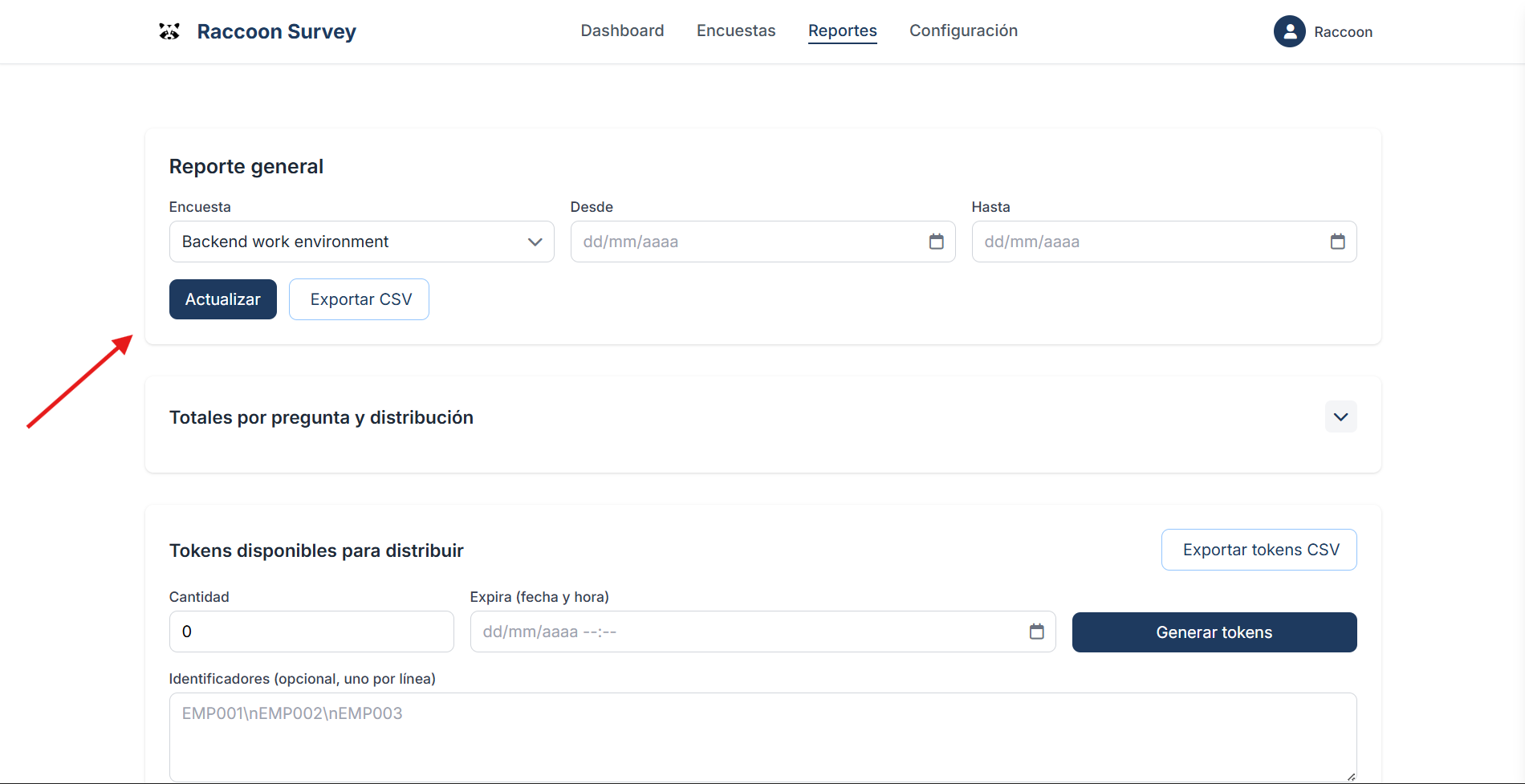
Step 1 — Choose the survey for which you want to generate reports
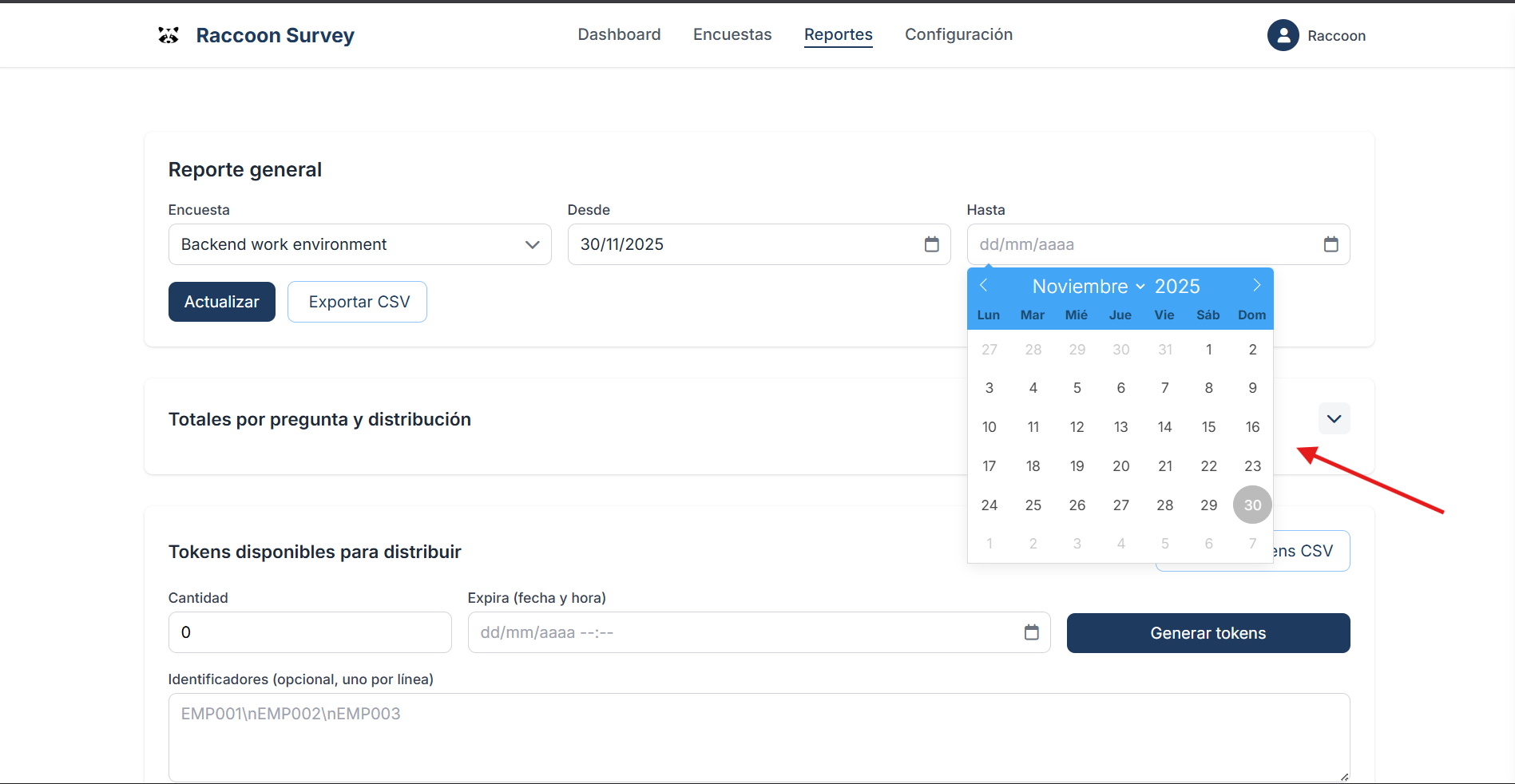
Step 2 — Filter reports by date range (optional)
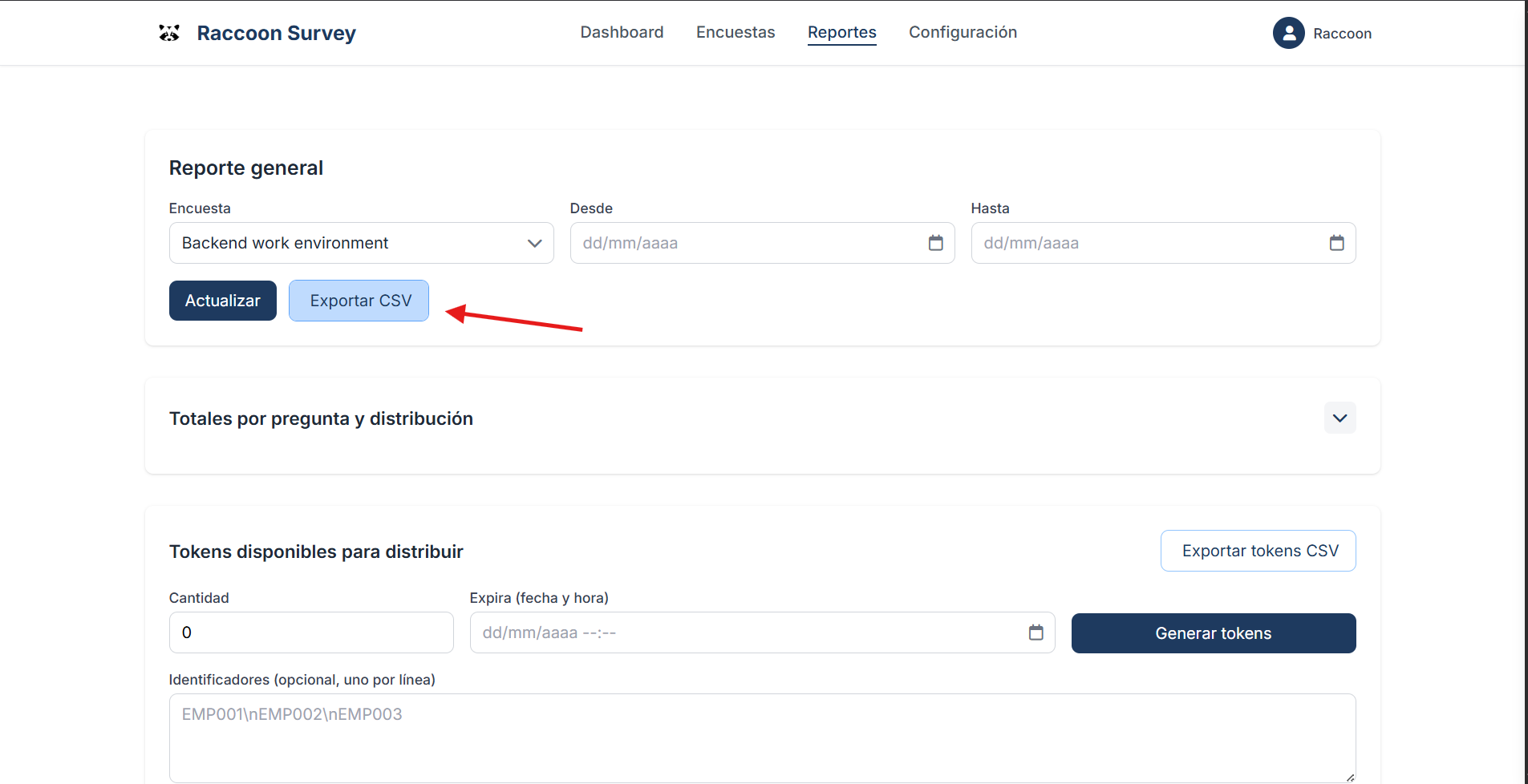
Step 3 — Click the “Export CSV” button
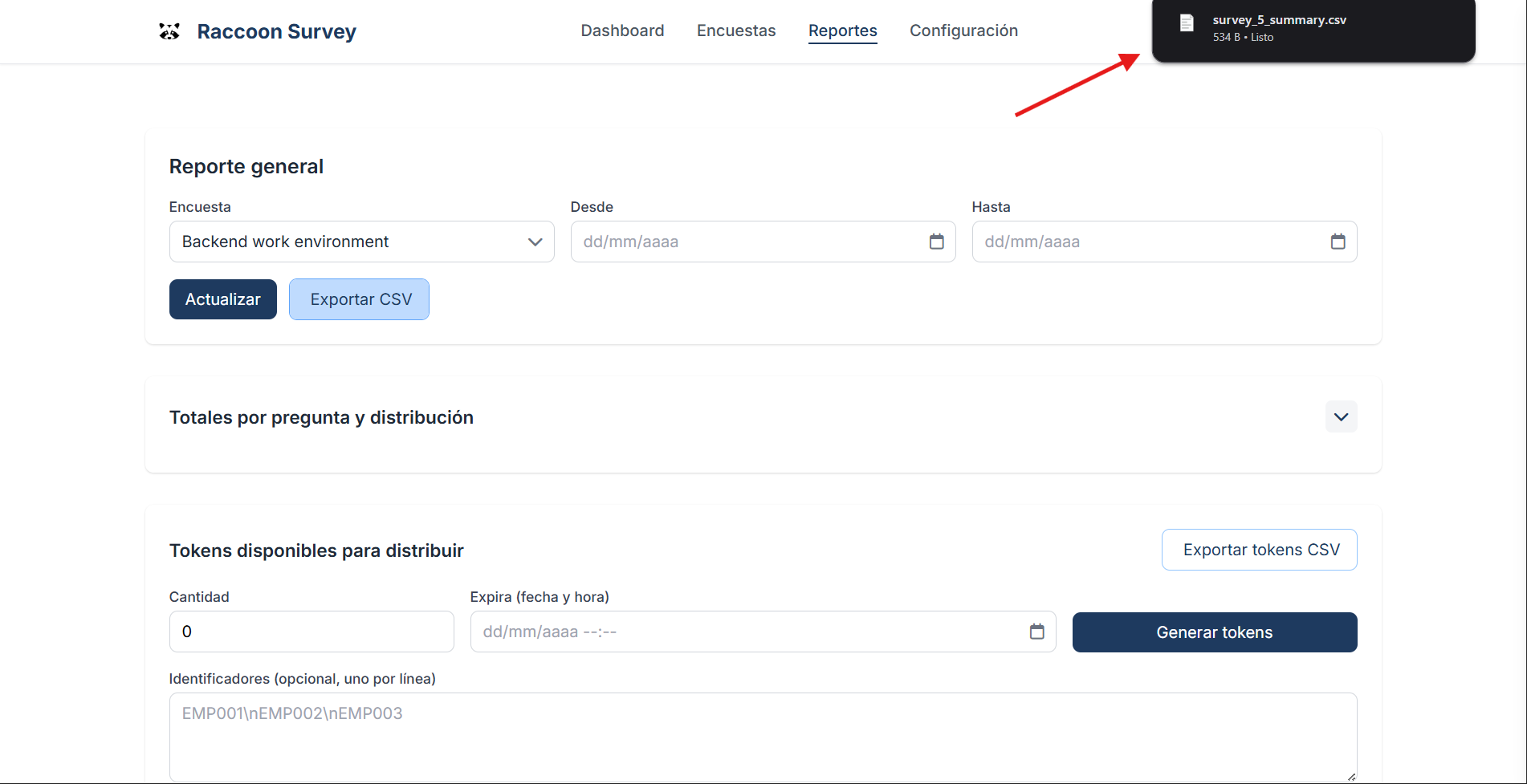
Step 4 — Download the CSV file