Generating access tokens
Tokens allow participants to access a survey anonymously or authenticated, depending on your configuration.
Prerequisites
Have a survey published or ready to publish.
Permissions to generate tokens.
Steps
Go to ‘Surveys → [Your survey] → Tokens’.
Set expiration date and single-use if applicable.
Generate and export (CSV) for distribution.
Share the official link with participants.
Illustrations.
Step 1 — Go to the Reports page.
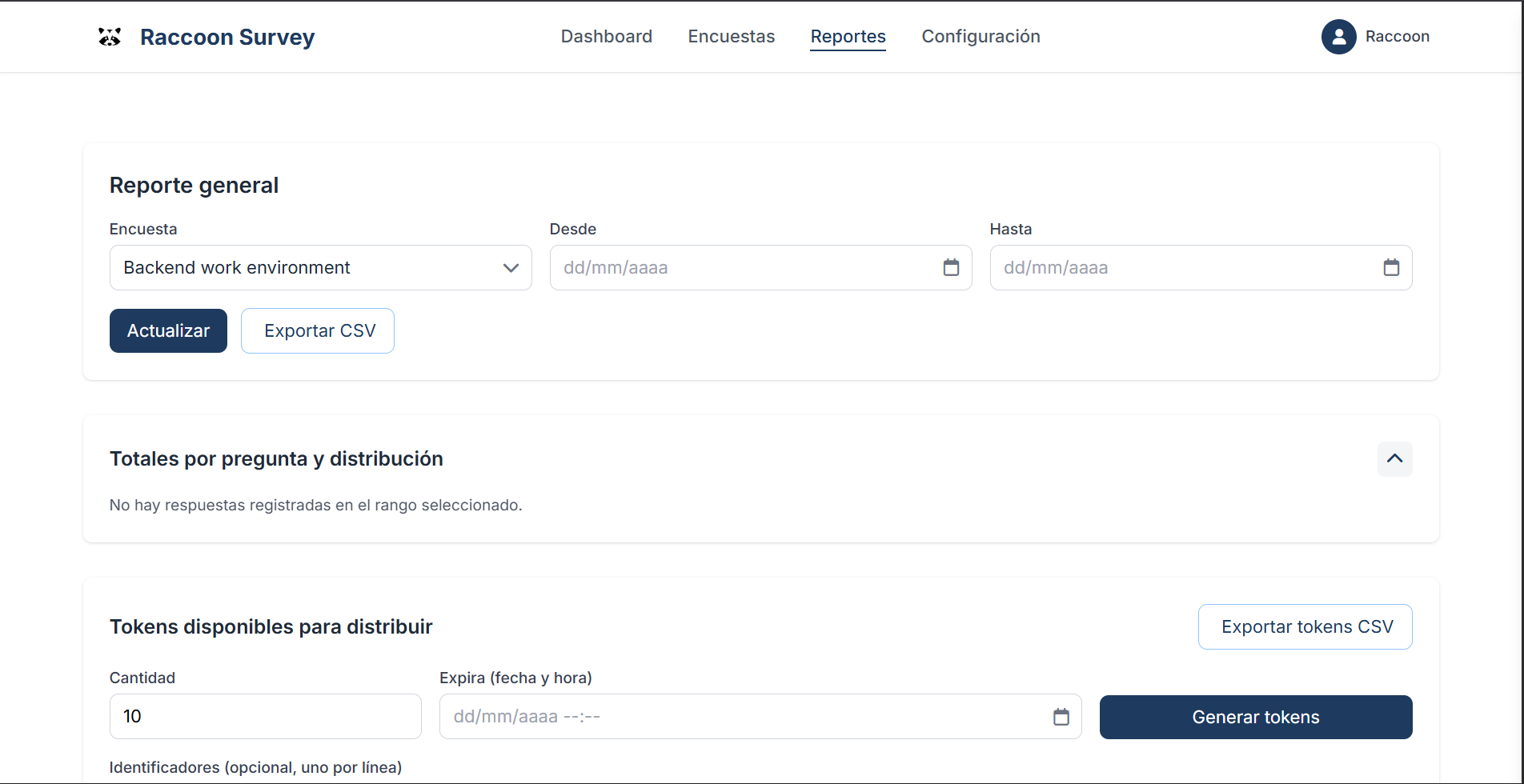
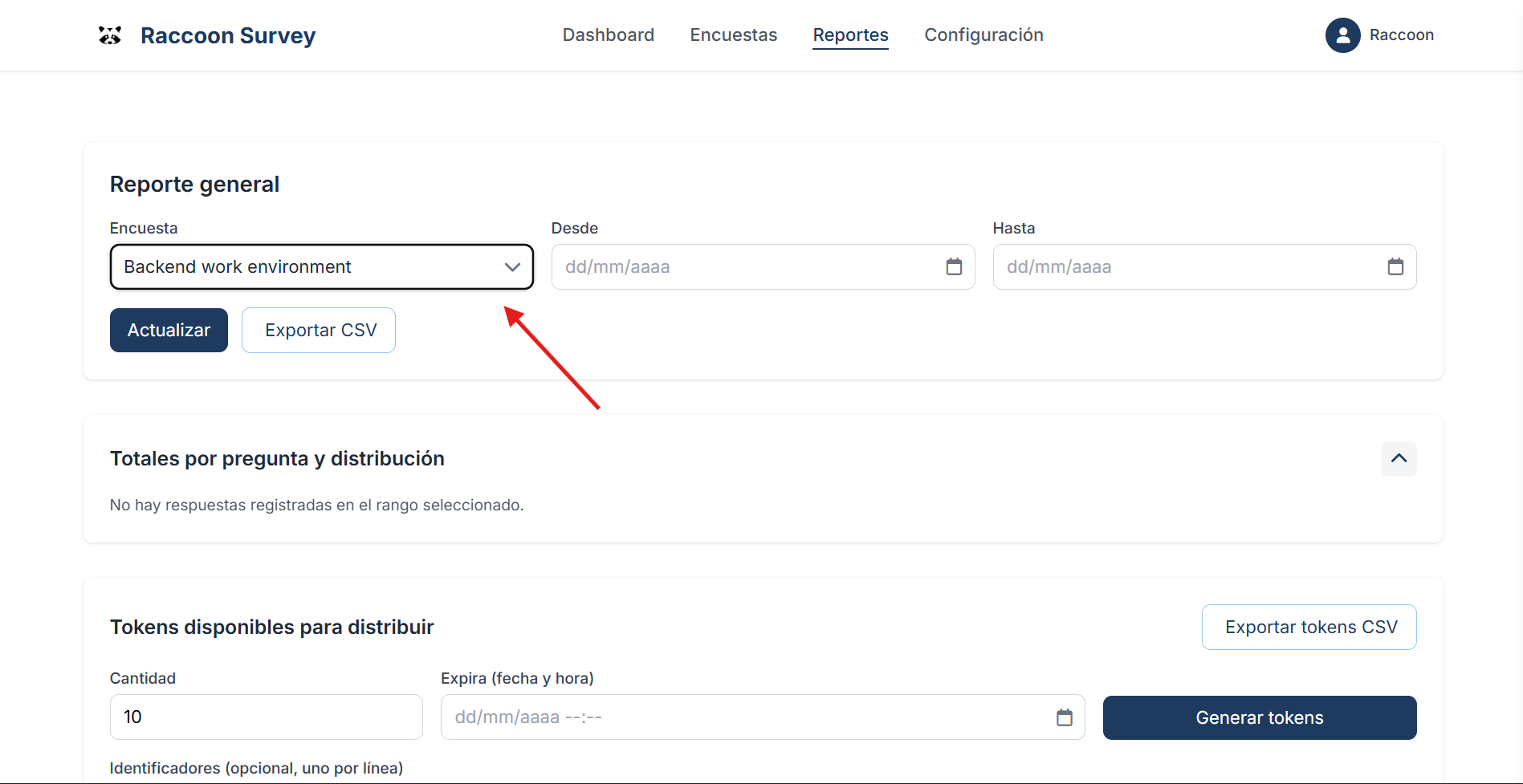
Step 2 — Select a survey to generate tokens for.
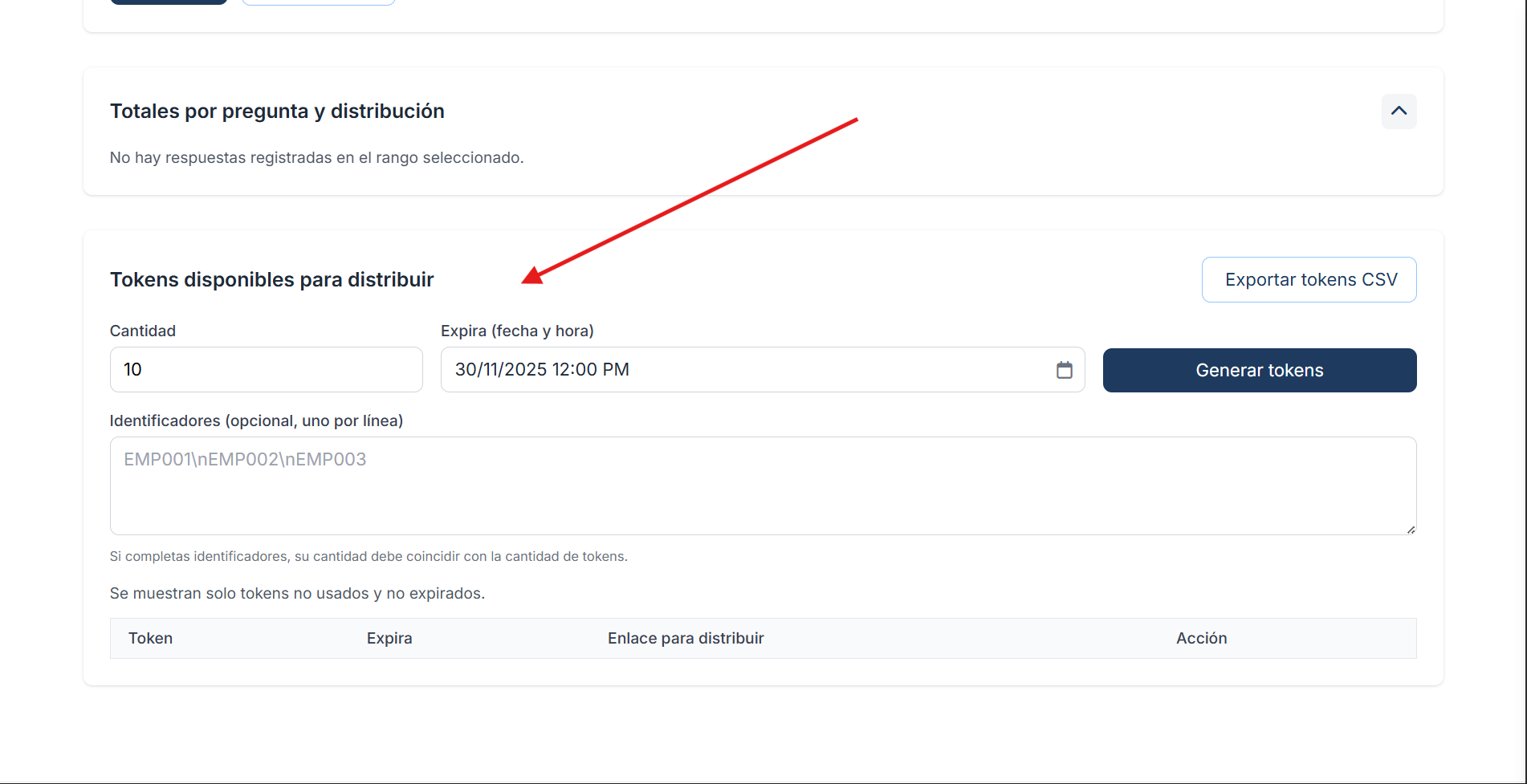
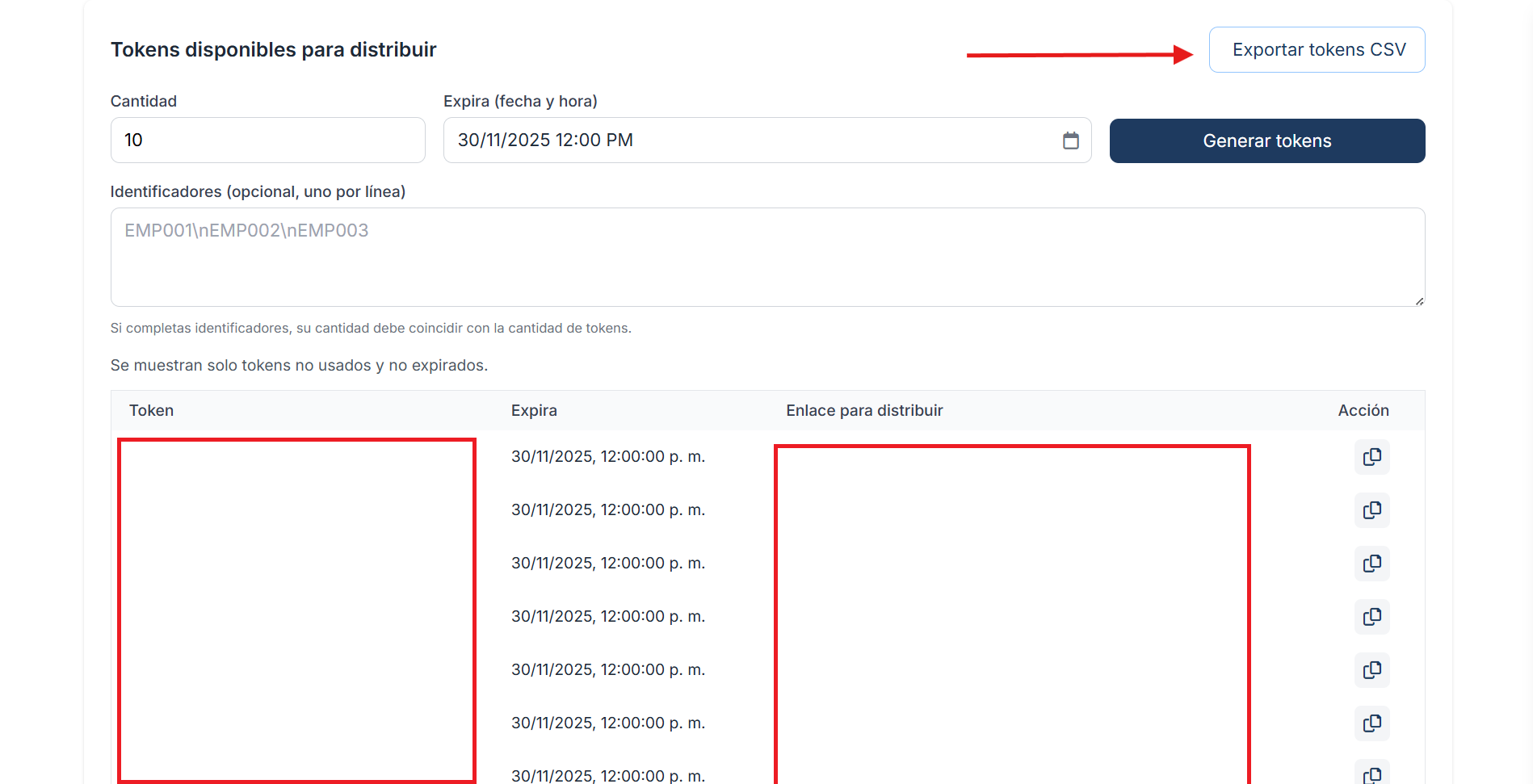
Step 3 — Choose the quantity and expiration date for the tokens.
Step 4 — Generate the tokens.
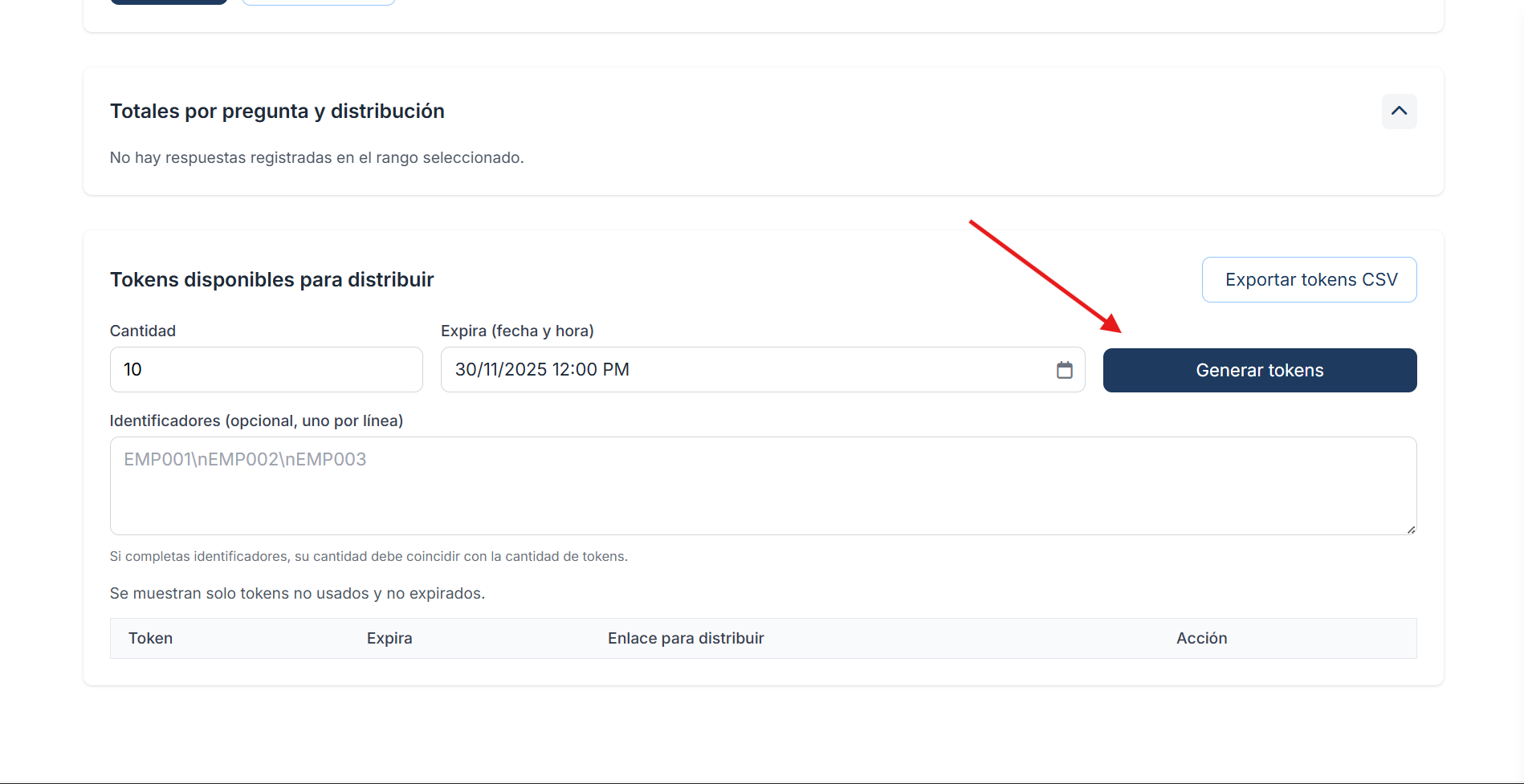
Optionally, you can add an “Identifier” or a “Name” for each generated token.

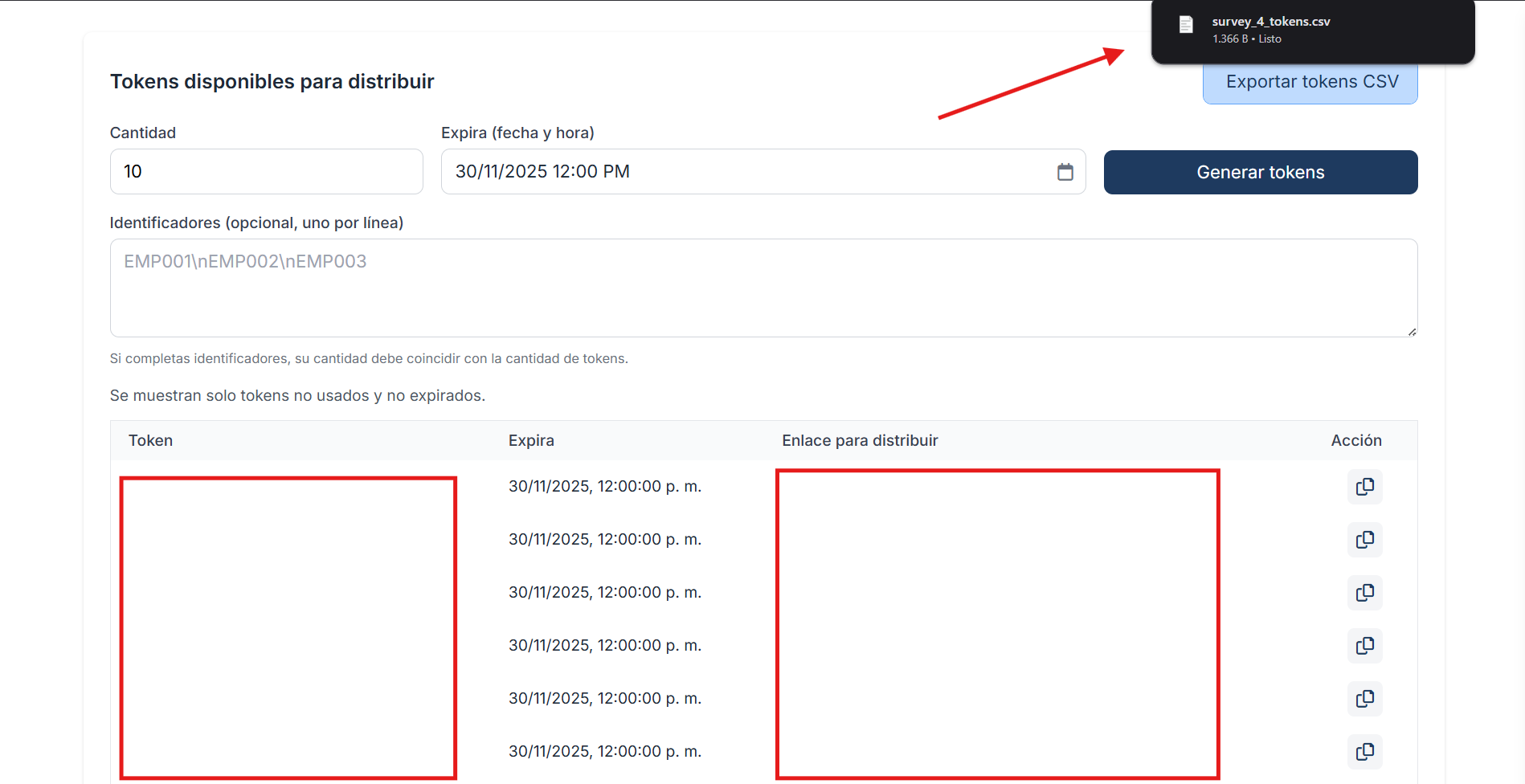
Step 5 — Export the tokens through a CSV file.
Best practices
Keep tokens in a secure location and restrict access to the exported file.
Use short expiration for sensitive campaigns.
Use unique identifiers for each token.