Create Surveys
Learn how to create a new survey, define categories, and configure questions. This section shows the workflow from the main panel through to publication.
Prerequisites
You are signed in.
You have permissions to create surveys (role with privileges).
Steps
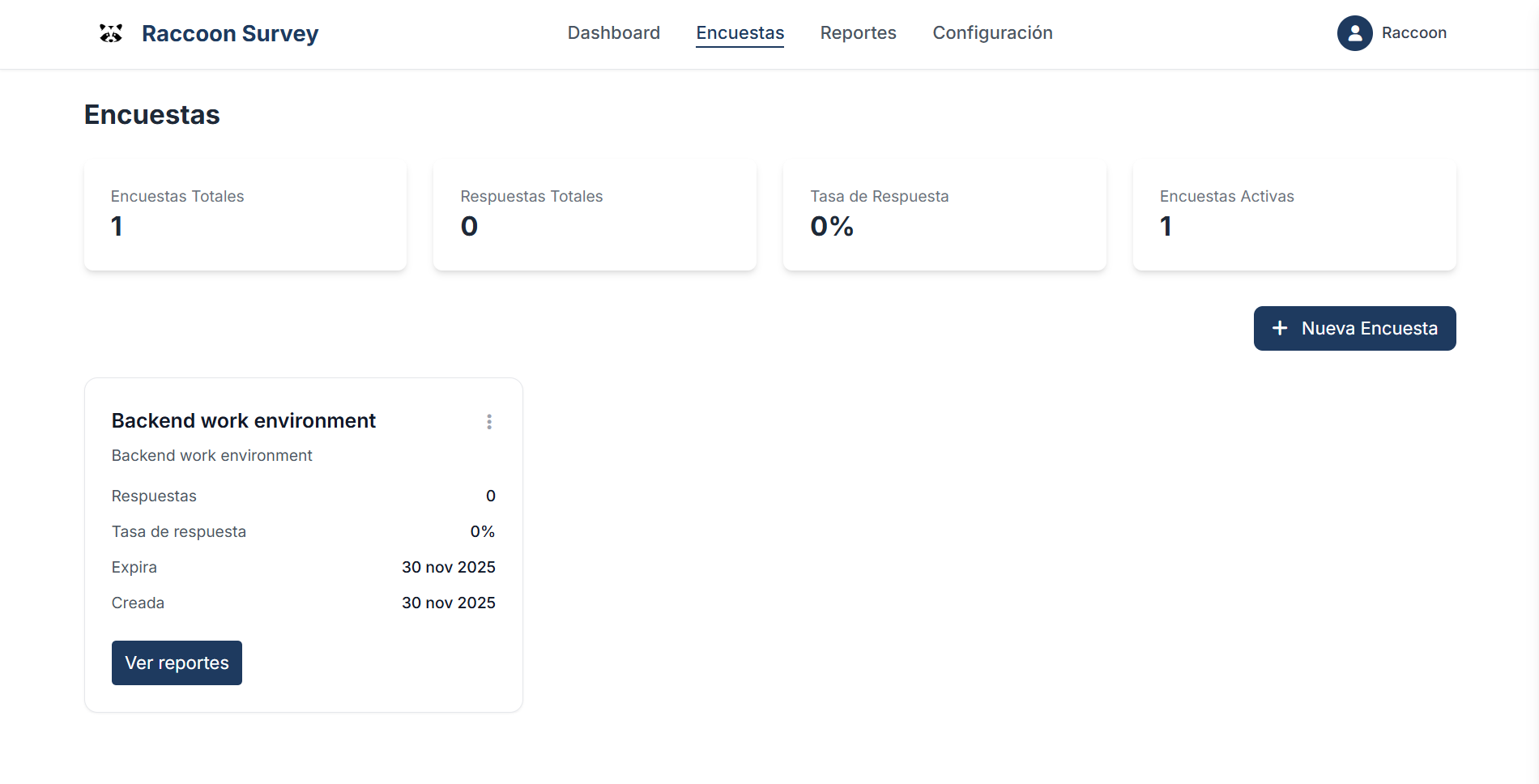
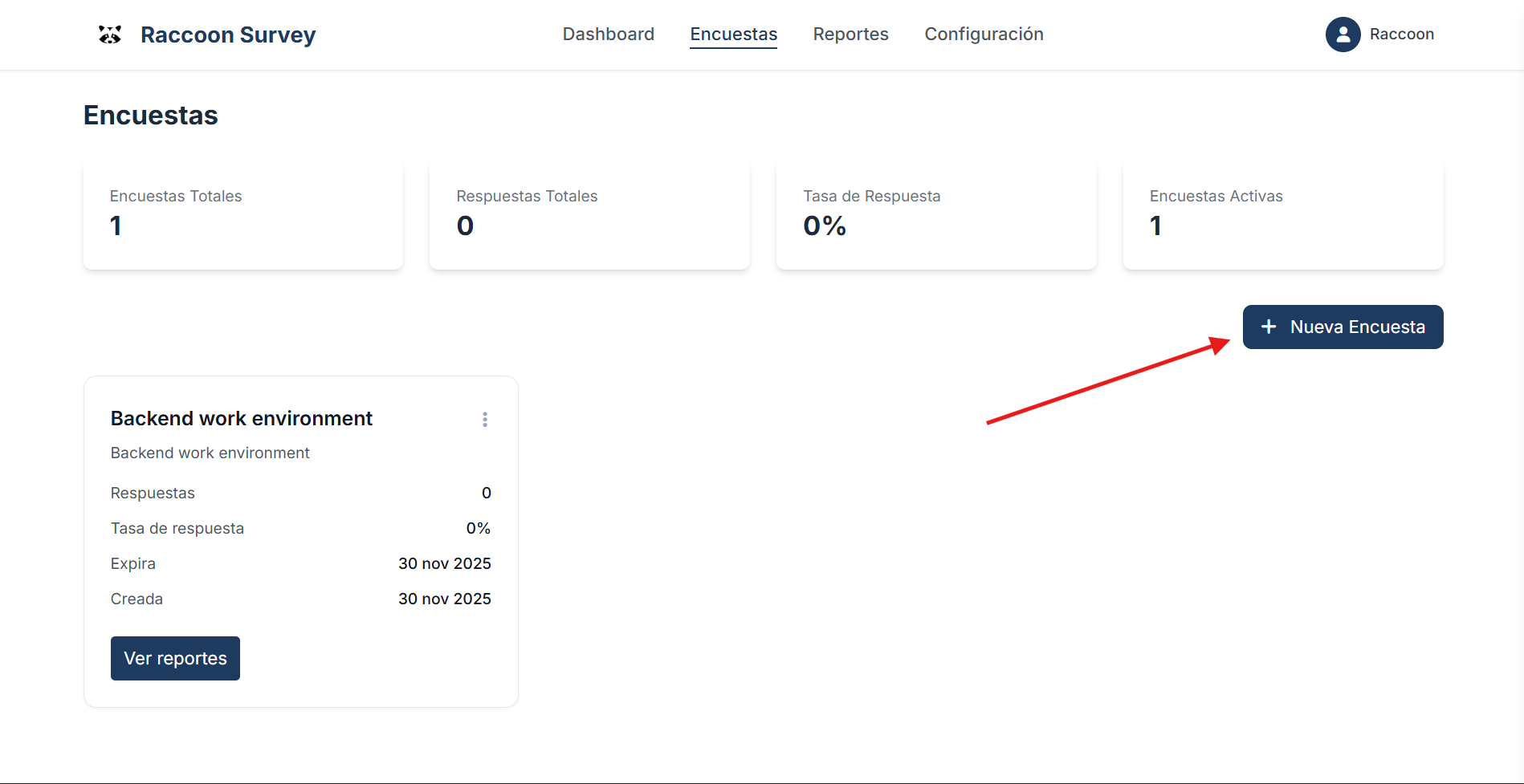
In the main menu, select “Encuestas → Nueva encuesta”.
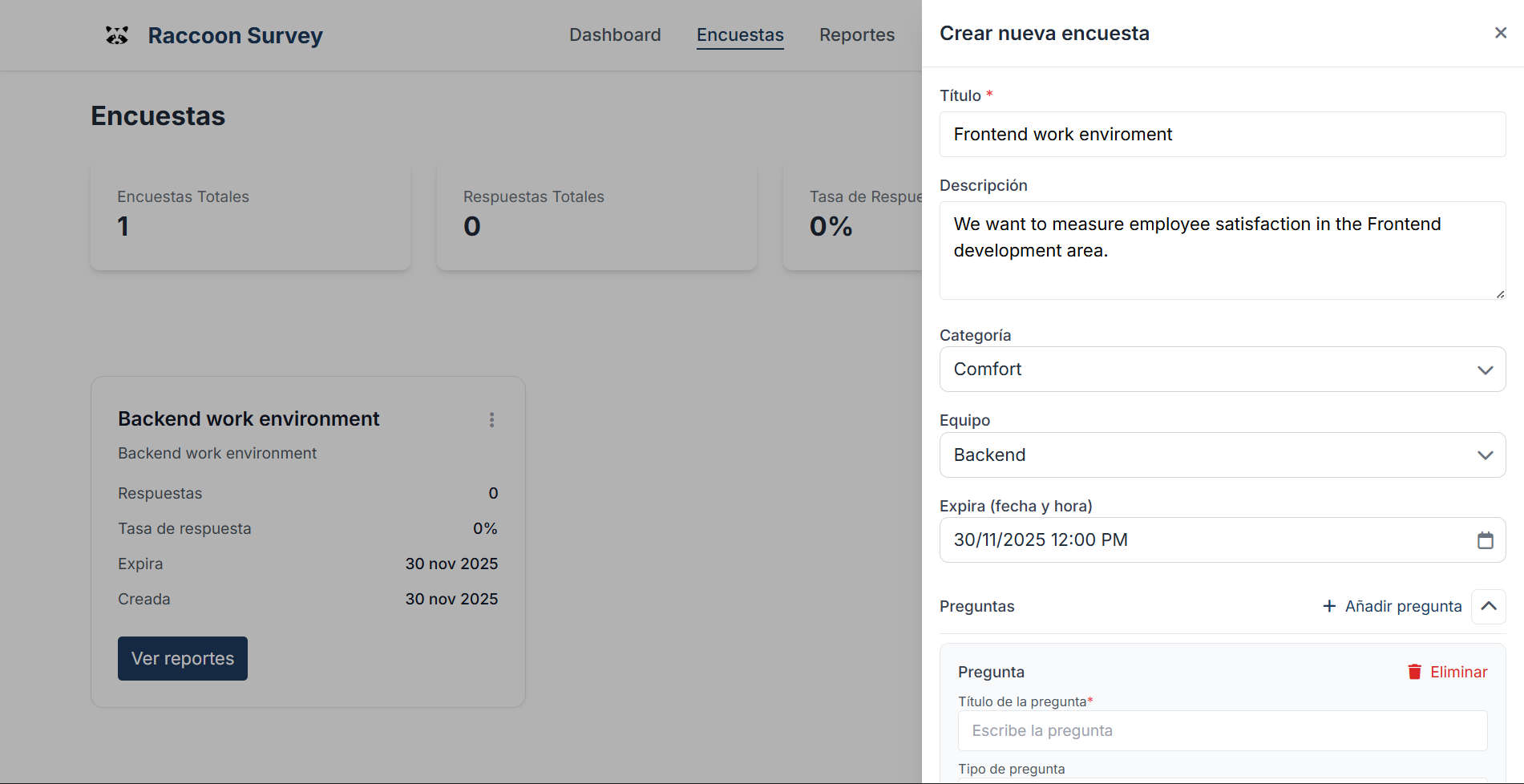
Define the title, description, and validity dates.
Add categories and questions (type, options, required).
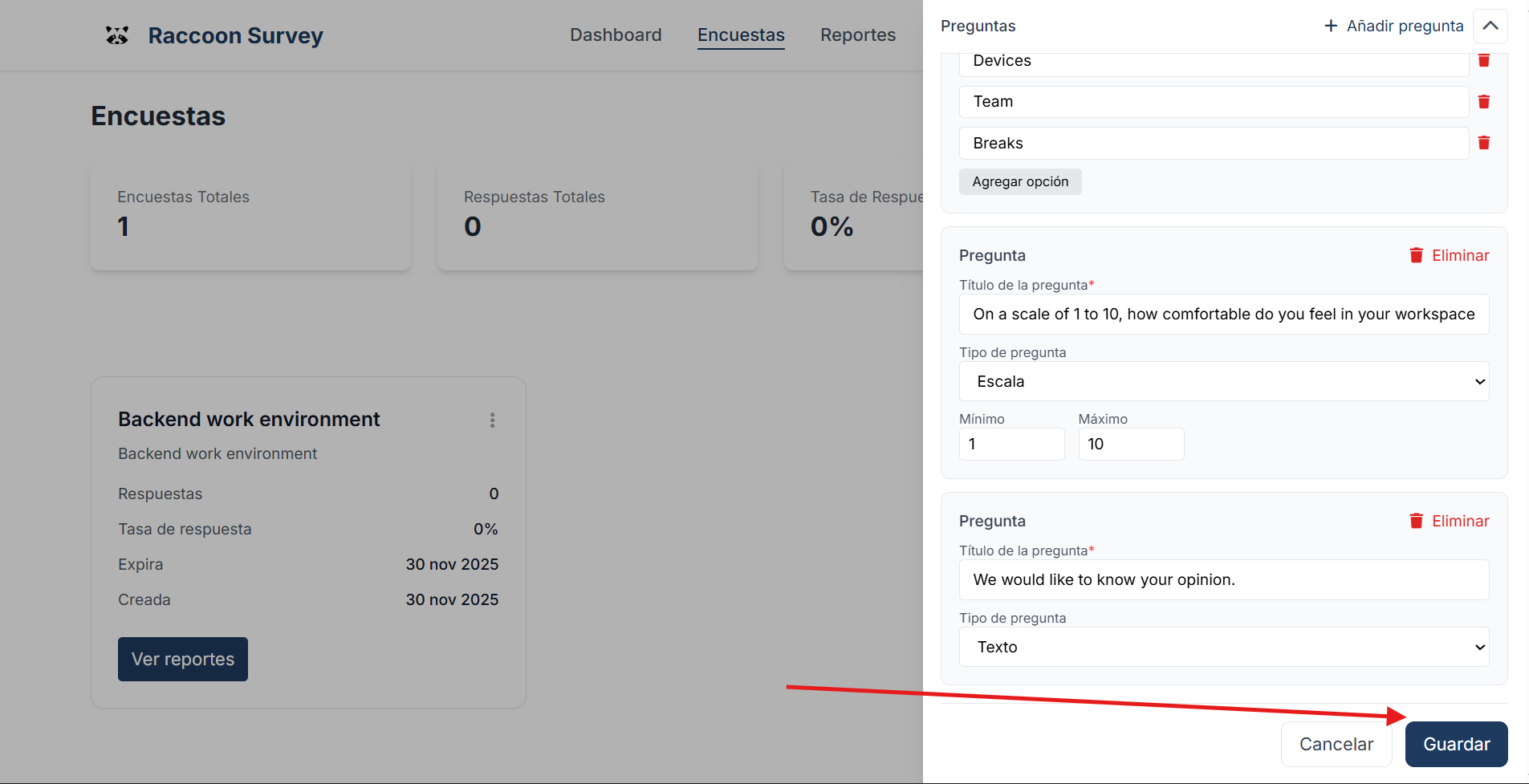
Create the questions for the survey.
Save the survey.
Illustrations
Step 1 — Go to the Surveys page.
Step 2 — Click the new survey button.
Step 3 — Fill in the modal with the survey details.
Step 4 — Create the questions for the survey.
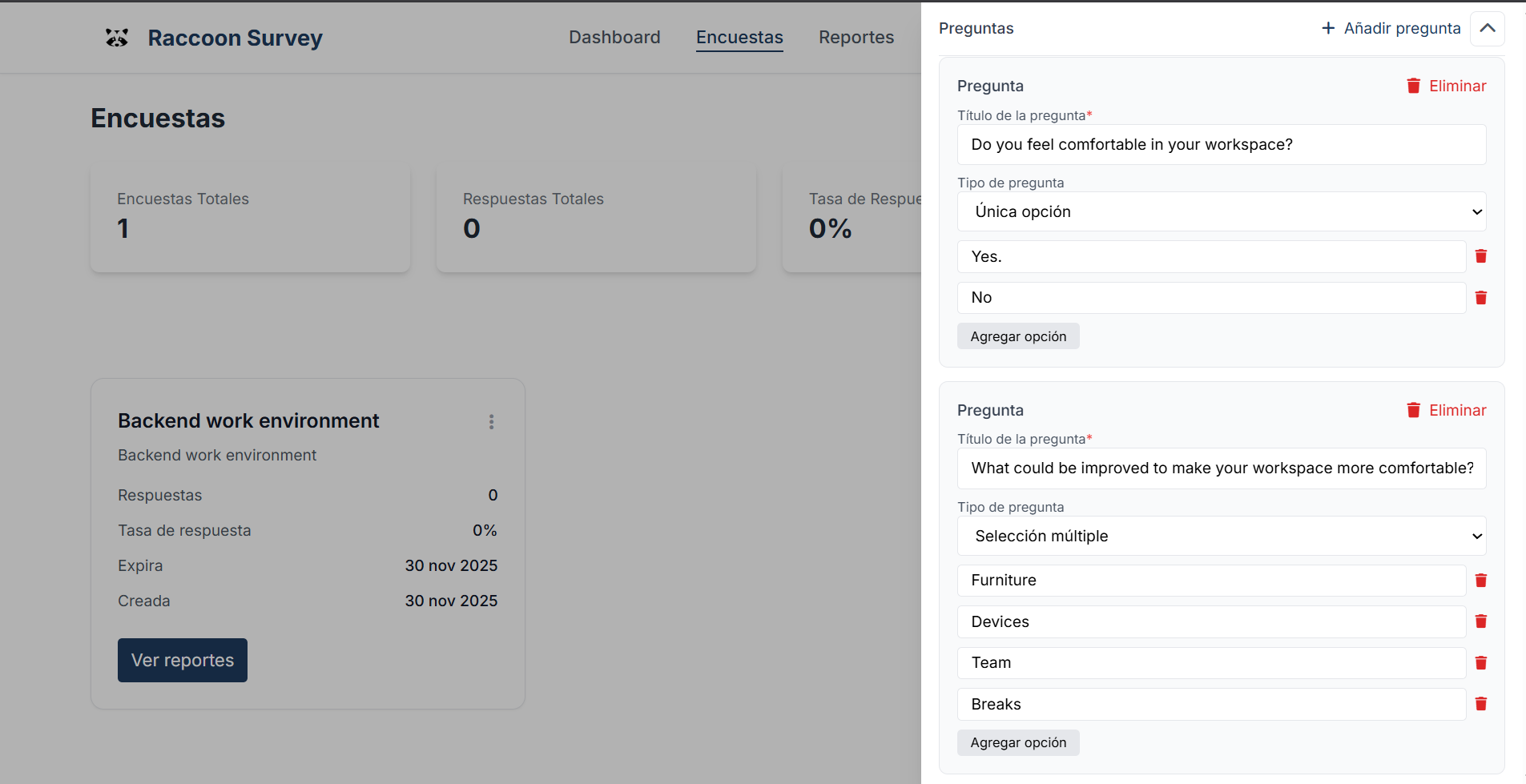
You can choose from different question types:
Single choice
Multiple choice
Open text
Likert scale
Step 5 — Click the save button.
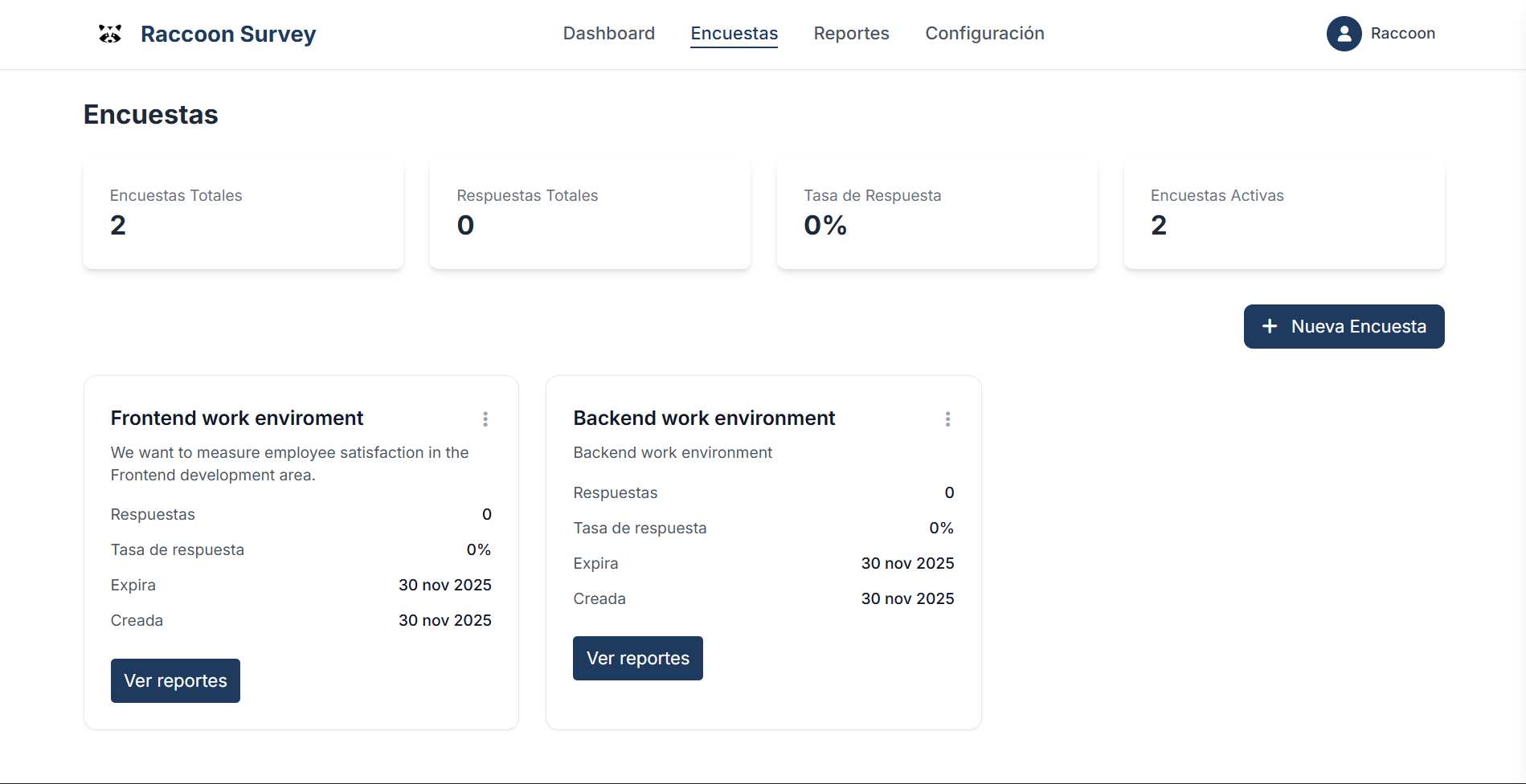
Once saved, the survey is available to generate tokens and distribute them.
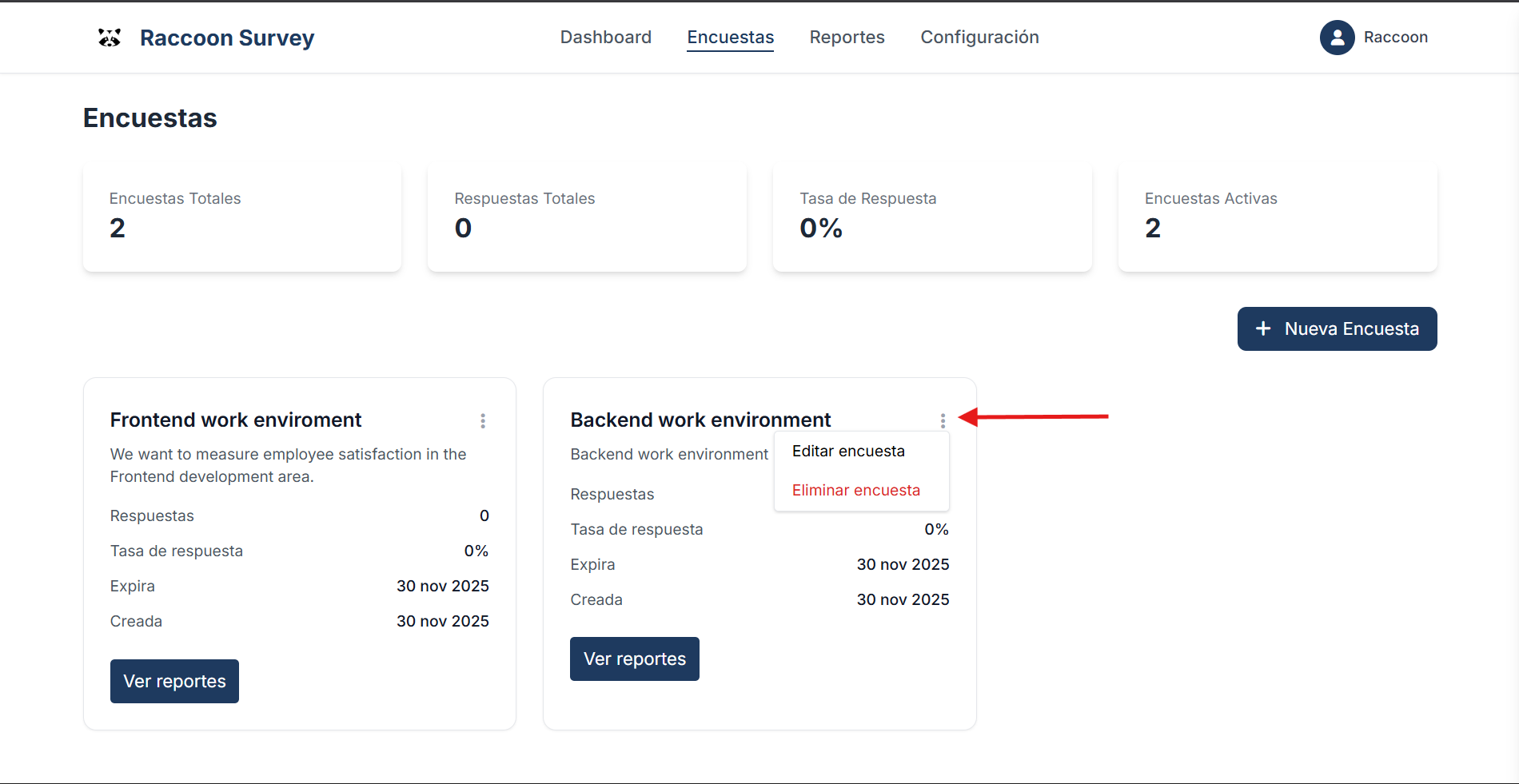
You can edit or delete the survey at any time.
In the next section you will learn how to generate tokens and distribute them.