Token Distribution Guide
Define how to securely share access tokens with participants, minimizing risk and ensuring traceability.
Prerequisites
Have tokens generated and exported (CSV) from “Tokens → Export CSV”.
Set an expiration date and decide if tokens are single-use or reusable.
Distribution Channels
Email: send individual links; avoid attaching the full CSV.
Messaging (Teams/Slack): share direct links only via DMs or private channels.
Printed QR codes: useful for in-person surveys; short expiry and single-use.
Secure Procedure
Generate tokens and download the CSV.
Store the file in a secure, access-restricted repository.
Distribute individual links, not the full CSV.
Protect emails with encryption/shared key if needed.
Usage Overview
After distributing tokens, make sure participants receive the correct and unique link, avoiding duplicates. Users should follow this procedure:
Receive the link through the chosen distribution channel.
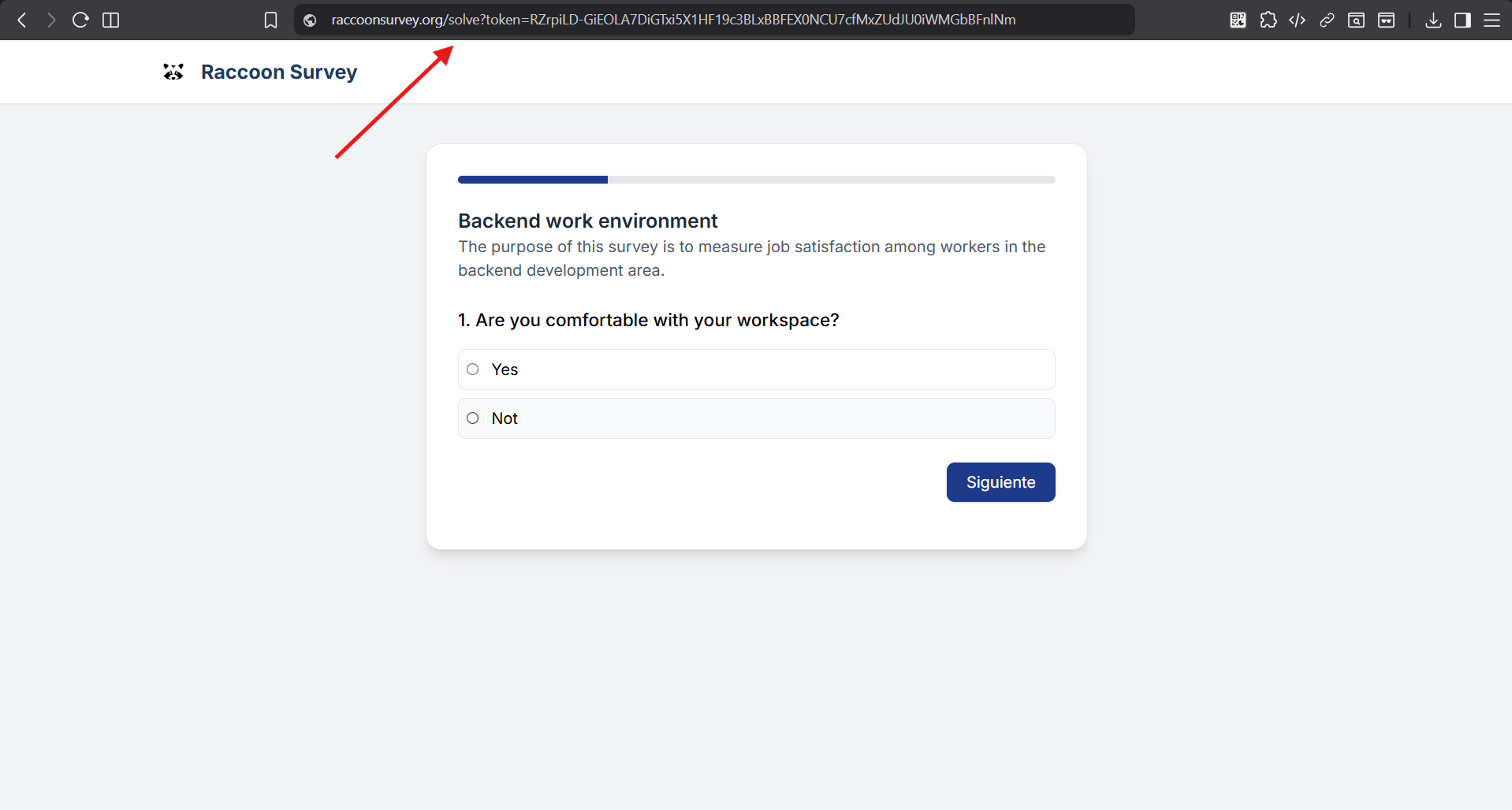
Click the link to access the survey.
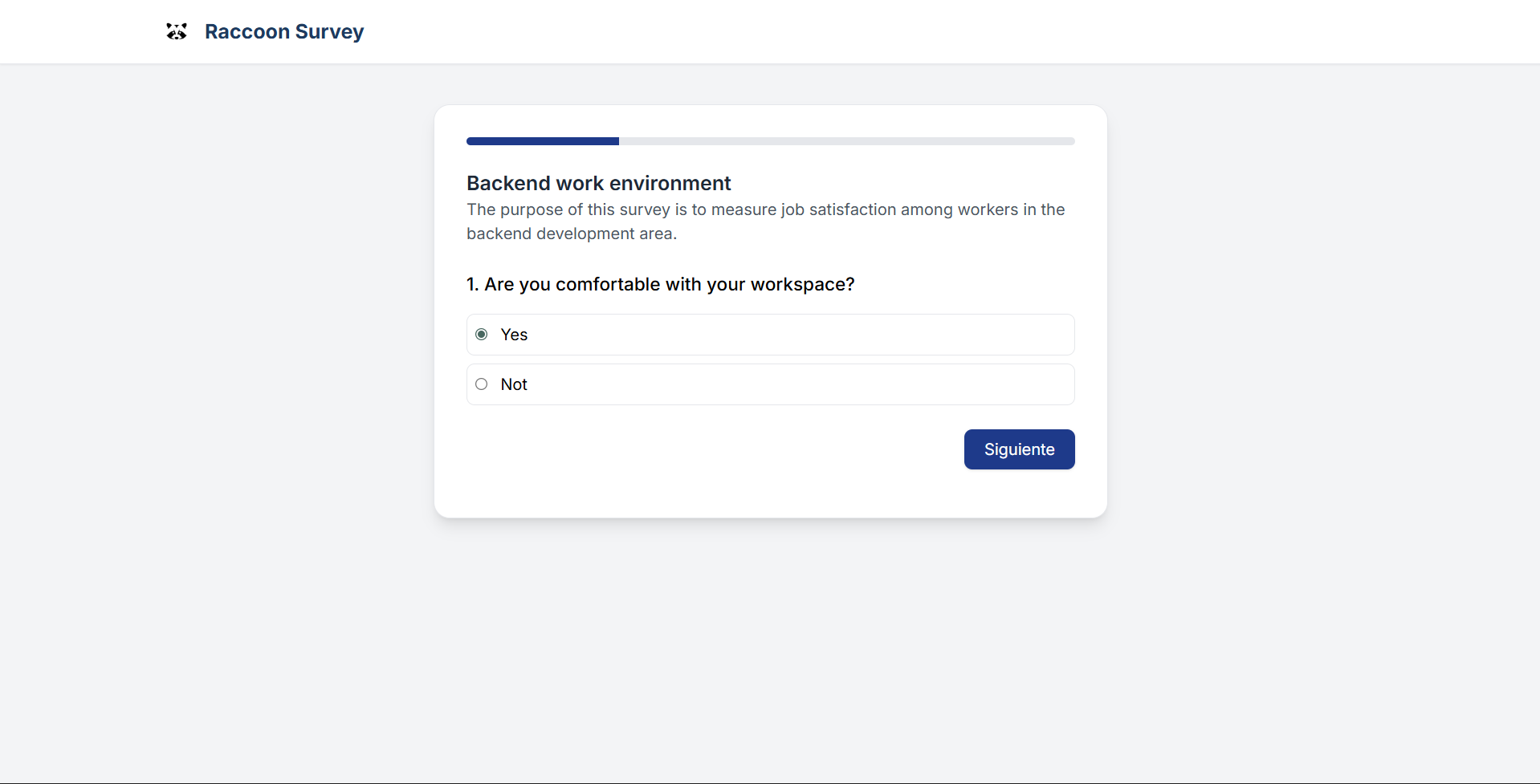
Answer the survey questions.
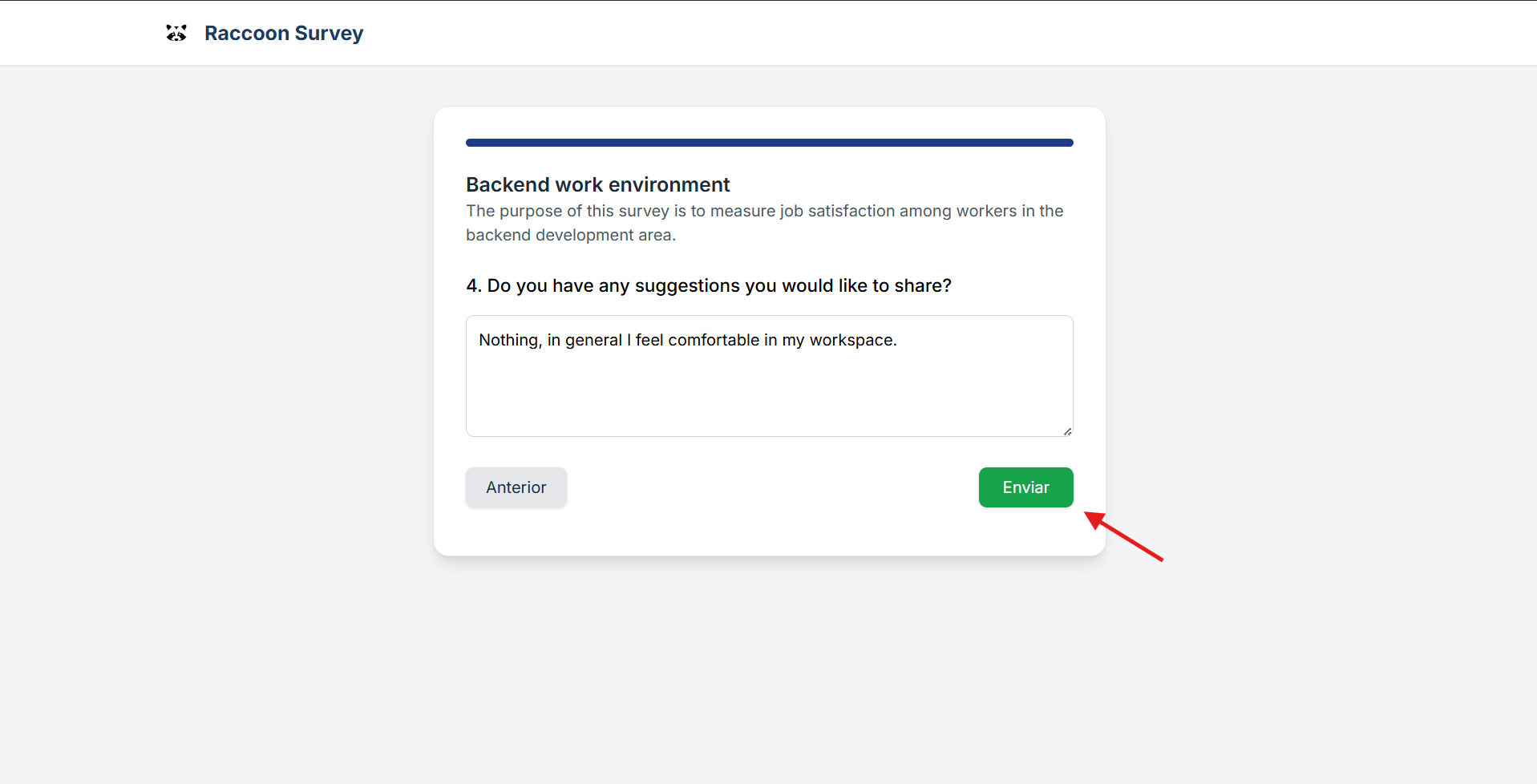
Submit the survey.
Illustrations
Step 1 — Access via the survey token URL
Step 2 — Answer the survey questions
Step 3 — Submit the survey
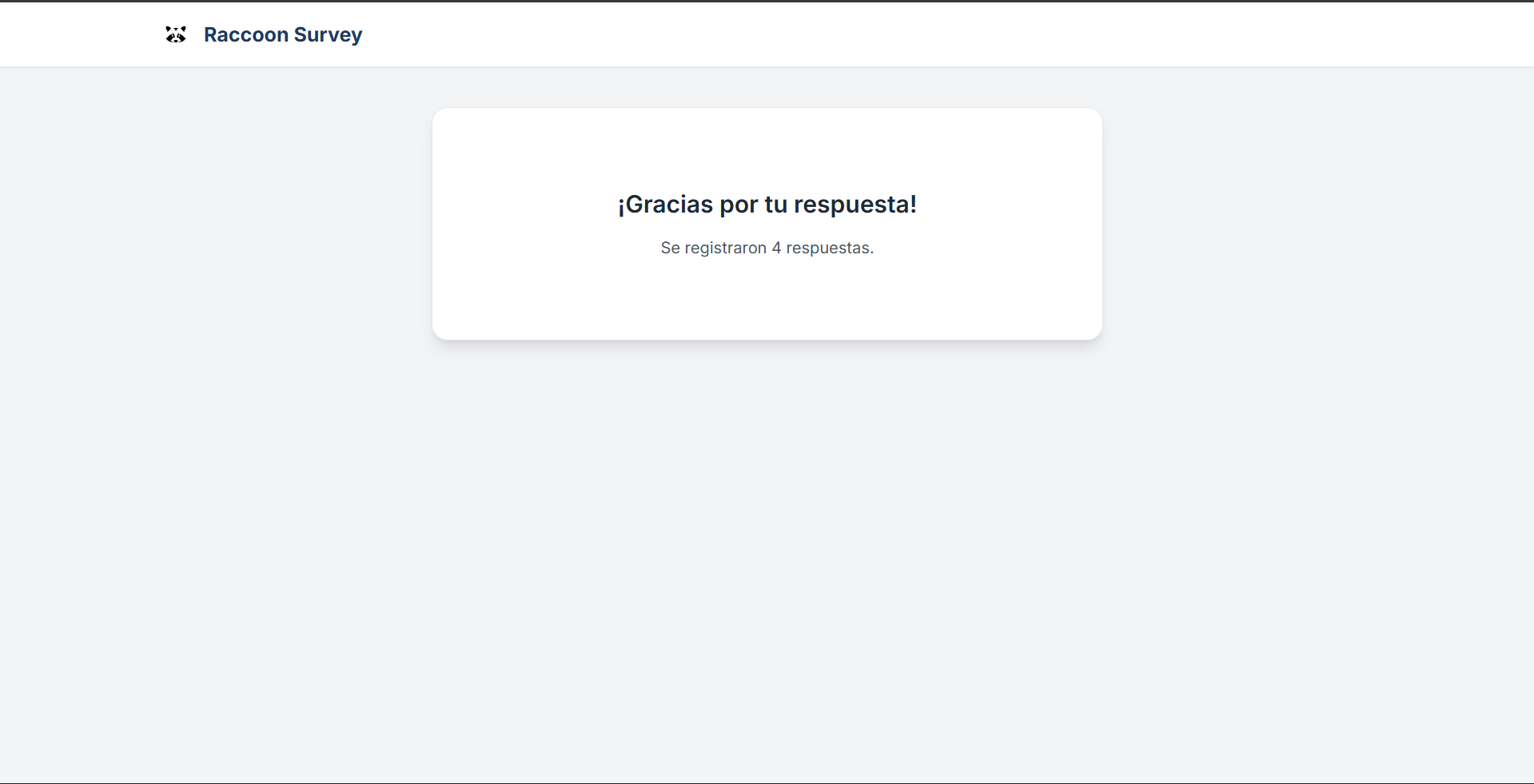
Step 4 — Finish
After collecting all survey responses, you can generate reports and metrics from the results.